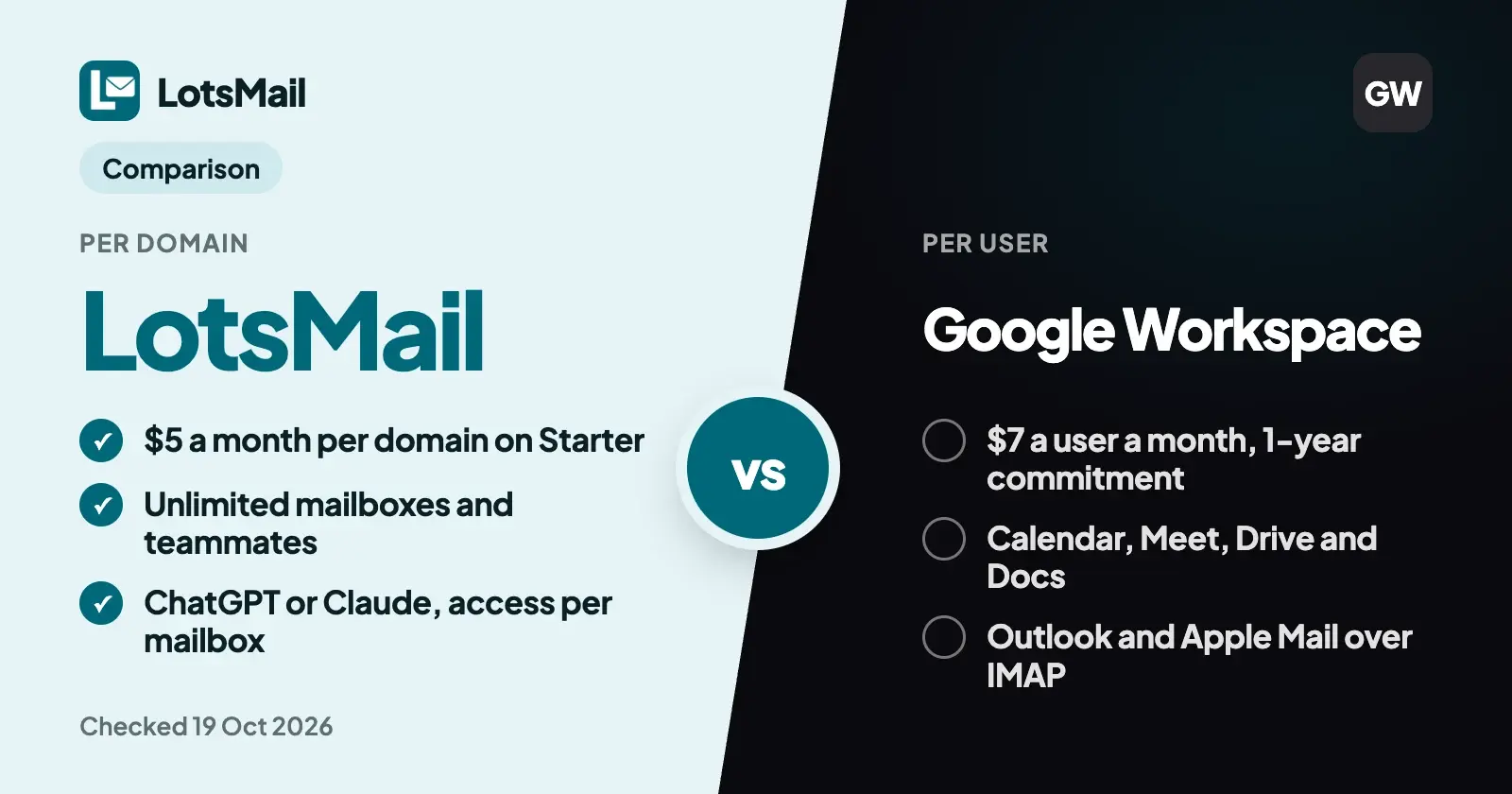
Google Workspace charges for every person: Business Starter is $7 a user a month with a yearly commitment, or $8.40 month to month. LotsMail charges for the domain: $5 a month or $50 a year, with unlimited mailboxes and teammates. Pick Google if you need its office apps, calendar or Outlook today; pick LotsMail if you need email for the whole team, or for many client domains.
I checked Google's pricing page and help center on 19 October 2026 for everything below, and rechecked LotsMail's pricing on 26 October 2026. Prices are US dollars before tax.
LotsMail vs Google Workspace at a glance
| LotsMail | Google Workspace | |
|---|---|---|
| You pay for | Each domain | Each user |
| Entry price | Starter $5 a month or $50 a year for 1 domain | Business Starter $7 a user a month (1-year commitment) or $8.40 monthly |
| Higher plans | Pro $20 or $200 for 5 domains, Business $60 or $600 for 20 domains, per domain | Business Standard $14 or $16.80, Business Plus $22 or $26.40, per user |
| 10 people on one domain | $5 a month (Starter) | $70 a month yearly, $84 monthly (Business Starter) |
| Mailboxes and teammates | Unlimited on every plan | One paid license per user, up to 300 users on Business plans |
| Extra addresses | Unlimited addresses | Up to 30 aliases per user at no extra cost |
| Shared inboxes | Shared mailboxes like support@, access set per mailbox | A group used as a Collaborative Inbox |
| Storage | 10 GB shared per domain on every plan; add-ons for more | 30 GB pooled per user on Starter, 2 TB on Standard, 5 TB on Plus |
| Several domains | Starter 1 domain, Pro 5, Business 20; extra domains at your plan's rate | Up to 600 domains per account |
| Inbox | Full web inbox on phone, tablet and desktop | Gmail on web and mobile |
| Mail apps (Outlook, Apple Mail) | Coming soon | Yes, IMAP is always on |
| Import old mail | Planned, no date | Yes, Google's data import tool (IMAP, Gmail, Exchange Online and more) |
| Calendar, video, documents | No calendar; no office apps | Calendar, Meet, Drive, Docs, Sheets, Slides |
| ChatGPT or Claude | MCP and REST on every plan; read, draft or send set per mailbox; sending off until you allow it | Gmail MCP server in Developer Preview (search, threads, drafts, labels; needs a Google Cloud project) |
| Built-in AI | None (you bring your own assistant) | Gemini in Gmail on every Business plan |
| Free start | 5,000 free credits, valid 90 days, no card | 14-day trial |
Google Workspace facts checked on 19 October 2026 on Google's pricing page and help center. LotsMail facts from our live pricing, checked 26 October 2026.
Where LotsMail is the better choice
You pay for the domain, not for each person
This is the whole difference, and it compounds. Ten people on Google Workspace Business Starter cost $70 a month on a yearly commitment, $840 a year. On LotsMail Starter they cost $5 a month, or $50 a year. Hire an eleventh person and Google adds another $7. LotsMail adds nothing: mailboxes, addresses and teammates are unlimited on every plan.
Every plan gives each domain the same 10 GB of shared storage and 1,000 outbound deliveries a month. Plans differ in how many domains they cover (Starter 1, Pro 5, Business 20) and in white-label, which Business includes. A team that sends a lot or keeps many attachments can add more sending or storage to a domain; add-ons are on the pricing page, and the price is still the same for everyone on the domain. See pricing.
Agencies with a domain per client
If you set up email for clients, Google's per-user pricing follows every client's headcount. Ten client domains with two people each is 20 licenses: $140 a month on Business Starter with a yearly commitment, $168 monthly. On LotsMail it's $50 a month on Starter or $40 on Pro, with everyone on every domain included, and each domain with its own storage and sending allowance so one busy client doesn't use up another's.
Inside each client domain, give support@ or projects@ to the people who answer it. Access is set per mailbox, nobody shares a password, and private mailboxes stay private, even from the workspace owner. When a client leaves, archive their workspace (you can restore it).
ChatGPT or Claude in the inbox, with a switch for each mailbox
LotsMail works with the AI agent you already use: ChatGPT, Claude, Claude Code, Codex, Cursor or any MCP client connects to https://api.lotsmail.to/mcp with your Lots sign-in, no key to paste. Agents without MCP use the REST API.
For each mailbox you choose read, draft or send. Sending by agents is off until you turn it on, so replies wait in Drafts until you approve them. Your assistant can search, read threads, draft replies, tidy the inbox and check whether a send was delivered. There's no built-in AI and no model cost on our side.
Google has its own route: Gemini in Gmail is built into every Business plan, and Google now offers a Gmail MCP server in Developer Preview that can search, read threads, create drafts and manage labels, set up through a Google Cloud project. If you already work in ChatGPT or Claude, LotsMail's connection is a sign-in and a URL.
Keep your DNS and your website
You keep your DNS provider and your site. Add the records LotsMail shows you, then point mail when you're ready. SPF, DKIM and DMARC are checked for you, each send shows its delivery status, and bounces are reported. If a payment ever lapses, sending stops at once, incoming mail keeps arriving for 14 days and then pauses, and your mail is never deleted.
What Google Workspace offers that LotsMail doesn't yet
Google Workspace is a full office suite, and some of it is the reason people buy it:
- Office apps and meetings. Calendar, Meet (100 participants on Starter), Drive, Docs, Sheets and Slides come with every Business plan. LotsMail is business email only.
- Mail apps. Gmail works in Outlook, Apple Mail and Thunderbird over IMAP, which Google keeps switched on. LotsMail mail apps over IMAP and SMTP are coming soon.
- Import. Google's data import tool moves mail from another Gmail or Workspace account, from any IMAP account and from Exchange Online. Importing old mail into LotsMail is planned, with no date.
- Calendar and contacts. Shared calendars are part of Workspace. LotsMail has no calendar.
- Storage and admin depth. 30 GB pooled per user on Starter, up to 5 TB on Plus, plus eDiscovery from Business Plus.
LotsMail isn't a Google Workspace replacement. It's business email on your own domain for a whole team, priced per domain.
Which one should you choose?
- Choose LotsMail if you're an agency with client domains, or a team that wants everyone and every role address on its domain without a per-seat bill, you're happy with a full inbox in the browser on every device, and you'd like ChatGPT or Claude to sort and draft with a switch for each mailbox.
- Choose Google Workspace if you need Docs, Drive, Meet and Calendar in the same account, people must use Outlook or Apple Mail today, or you need years of old mail moved across before you start.
Some teams keep Google for the people who live in Docs and put a client's or a project's domain on LotsMail. Each domain points its mail to one provider, so that split works per domain.
Moving a domain to LotsMail, with your assistant's help
Domains, DNS, mailboxes, team access and billing are yours in the LotsMail dashboard, which does the whole job on its own. Your assistant can walk you through it and then take over the inbox work:
- Sign in at lotsmail.to and add your domain. New accounts get 5,000 free credits, valid 90 days, no card.
- Ask your assistant for the setup steps, then add the records at your DNS provider.
- Create the mailboxes and shared inboxes you need, invite your team and set access per mailbox.
- Point mail to LotsMail when you're ready. New mail arrives in LotsMail from then on; your old mail stays in Google, because LotsMail doesn't import old mail yet.
- Connect ChatGPT or Claude from the connect page and choose read, draft or send for each mailbox.
Prompts to try once it's connected:
In LotsMail, give me the steps to connect my domain and the link to finish it.
In LotsMail, go through the support@ mailbox. List the unread threads that need a reply today and write a reply draft for each one. Don't send anything.
The first uses start_domain_setup; the second uses list_mailboxes, list_threads, get_thread and create_draft.
FAQ
Is LotsMail cheaper than Google Workspace?
For any team with more than one person, yes. On 19 October 2026 Google Workspace Business Starter was $7 a user a month with a yearly commitment ($8.40 monthly), so 10 people cost $70 a month. LotsMail Starter is $5 a month per domain for everyone on it. Google includes office apps and calendar in that price; LotsMail is email only.
Does Google Workspace charge per user or per domain?
Per user. Every Business plan is priced per user per month, up to 300 users. One account can hold up to 600 domains, but every person still needs a license. LotsMail charges per domain, with unlimited mailboxes and teammates.
Can I use Outlook or Apple Mail with LotsMail?
Not yet. Mail apps over IMAP and SMTP are coming soon. Today LotsMail works in the browser on any phone, tablet or computer, and through ChatGPT, Claude or any MCP client. Google Workspace supports Outlook and Apple Mail over IMAP now.
Can I move my old Google mail to LotsMail?
Not yet; importing is planned, with no date. When you point your domain to LotsMail, new mail arrives in LotsMail and your old mail stays in your Google account. Google's own data import tool can bring mail into Workspace from IMAP, Gmail and Exchange Online accounts.
Can ChatGPT or Claude work in my LotsMail inbox?
Yes. Connect them to the LotsMail MCP server and choose read, draft or send access for each mailbox. Sending by agents is off until you turn it on, so drafts wait for your approval. Google offers Gemini in Gmail and a Gmail MCP server in Developer Preview.
Is LotsMail a Google Workspace replacement?
No. LotsMail is business email on your own domain, priced per domain: mailboxes, shared inboxes and a full web inbox for the whole team. It has no office apps, meetings or calendar, mail apps are coming soon, and import is planned. If you need the suite, Google Workspace is the better fit.
Sources (Google pages opened 19 October 2026, LotsMail pricing checked 26 October 2026)
- LotsMail: pricing, connect page, agent docs, tool list
- Google: Workspace pricing (annual and monthly views), email aliases, Collaborative Inbox, FAQ for multiple domains, data import tool, Gmail in other email clients (IMAP), Gmail MCP server