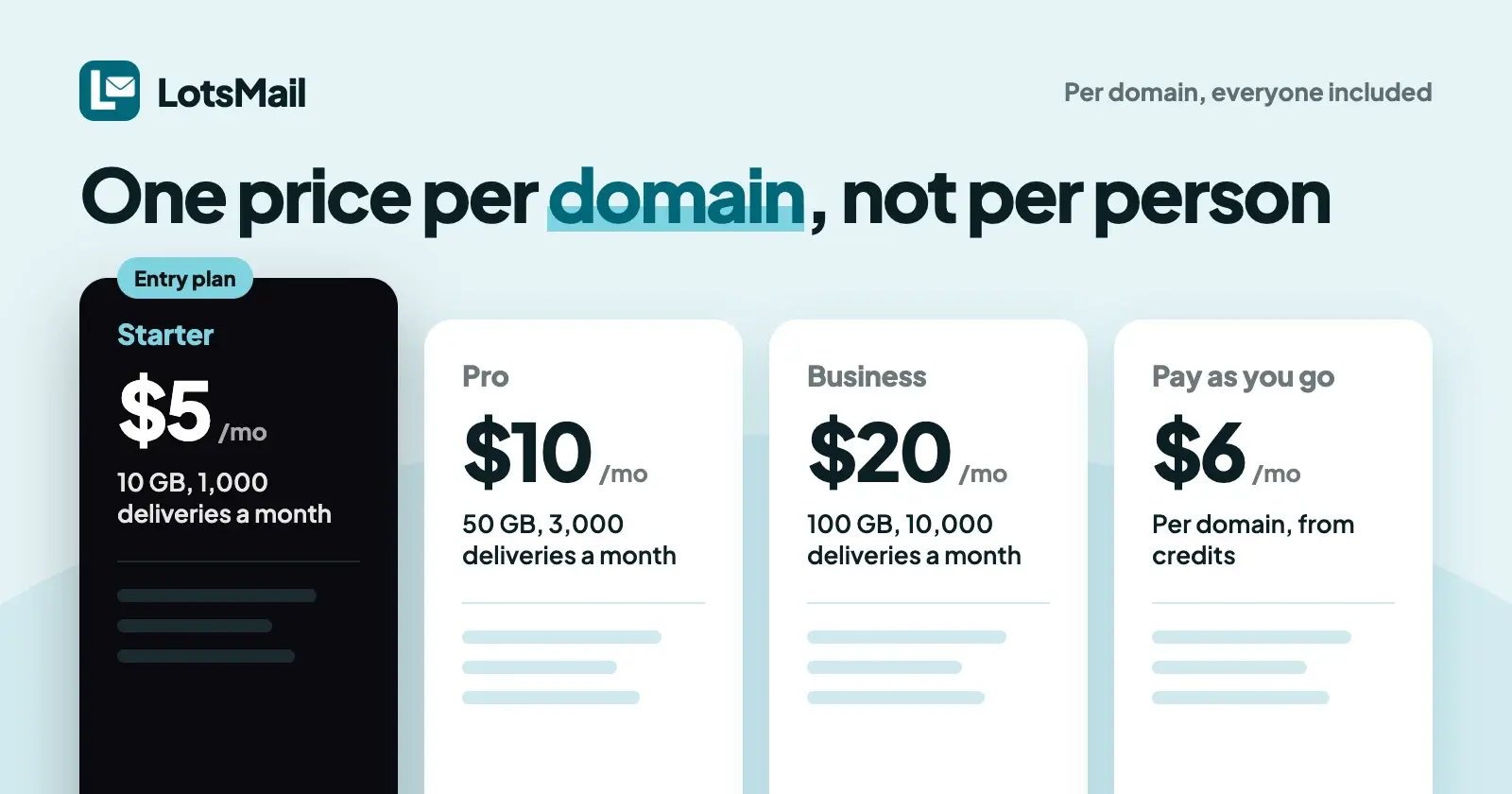
LotsMail costs one price per domain, not per person: $5 a month on Starter (1 domain), $20 on Pro (5 domains) or $60 on Business (20 domains), with unlimited mailboxes, addresses and teammates on every plan. Each extra domain costs your plan's rate. Without a plan, pay as you go at $6 per domain a month from credits.
I priced LotsMail this way because per-person email punishes the teams that grow. Every hire is another seat, and on many providers every role address is too. Agencies feel it most: ten client domains with a few people each, and the bill grows every time a client hires. Below is exactly what you pay, what each plan includes, how extra domains work, and what it adds up to next to Google Workspace and Microsoft 365. LotsMail prices were checked on 26 October 2026 and the Google and Microsoft prices on 19 October 2026, all in US dollars before tax.
LotsMail plans at a glance
| Plan | Monthly | Yearly | Domains included | Each extra domain |
|---|---|---|---|---|
| Starter | $5 | $50 | 1 | At your plan's rate |
| Pro | $20 | $200 | 5 | At your plan's rate |
| Business | $60 | $600 | 20 (white-label on every domain) | At your plan's rate |
| Pay as you go | $6 per domain a month, from credits | n/a | No plan | $6 a month |
Every domain gets 10 GB of shared storage and 1,000 outbound deliveries a month, on every plan.
Every plan includes:
- Unlimited mailboxes, addresses and teammates. A mailbox for every person, plus hello@, support@, orders@ and billing@, at the same price.
- Shared inboxes with access per mailbox. Give support@ to the people who answer it. Private mailboxes stay private, even from the workspace owner.
- A full inbox on phone, tablet and desktop in the browser: threads, search, drafts, sent, archive and attachments.
- Your own domain. Keep your DNS provider and website where they are, add the records LotsMail shows you, then point mail to it when you're ready. SPF, DKIM and DMARC are checked for you.
- Delivery you can see. Each send shows its status, and bounces are reported.
- ChatGPT, Claude or any MCP client, plus the REST API, at no extra cost. More on that below.
Yearly billing is two months free: $50 instead of $60 on Starter, $200 instead of $240 on Pro, $600 instead of $720 on Business. Current prices are always on the pricing page.
What actually differs between the plans
Every plan gives each domain the same 10 GB of shared storage and 1,000 outbound deliveries a month. Plans differ in how many domains they cover (1, 5 or 20) and in white-label, which Business includes. Add-ons for more storage or sending can go on any domain on any plan; they are listed on the pricing page.
- Storage is shared across the whole domain. The 10 GB is one pool for every mailbox on that domain, not 10 GB per person. A small team that mostly writes text emails fits comfortably. Add storage to a domain when people keep years of attachments.
- Sending counts each recipient once. One email to three people is three deliveries. The 1,000 a month suits a team sending normal business mail; a busier domain can add more sending.
- New domains start slowly. A new domain sends up to 100 emails a day for its first 14 days, then the allowance grows with good delivery. That protects your reputation and everyone else's.
- White-label is included on Business and is an add-on on other plans: no "Powered by LotsMail", and sign-in and invitation emails come from your own domain. The known limit is that the domain's MX and DNS records point at LotsMail.
Mailboxes, addresses, teammates, the MCP server and the REST API are the same on every plan.
LotsMail is for normal business email. Newsletters, marketing and cold email aren't allowed on any plan, so the sending allowance is sized for people writing to people.
How extra domains work
Starter covers 1 domain, Pro 5 and Business 20. Every extra domain you add is billed at your plan's rate, paid from LotsTech Credits a little each day. Each domain has its own storage and sending allowance, so one busy client doesn't eat into another's.
Two details worth knowing:
- Extra domains are paid from credits a little each day. Ten domains cost $50 a month on Starter, $40 on Pro (5 domains in the plan, 5 extra at your plan's rate) and $60 on Business, which covers 20. Buy credits from $10 in the dashboard or let your assistant hand you a checkout link. Credits you buy never expire and work in every Lots product.
- Every domain gets the same allowance. An extra domain on Pro has the same 10 GB and 1,000 deliveries as every other domain.
Pay as you go: no plan at all
Skip the plan and pay $6 per domain a month from LotsTech Credits, charged daily, with the same 10 GB and 1,000 deliveries a month as every domain. It suits a single domain you're trying out, or a side domain you don't want a subscription for.
New accounts get 5,000 free credits, valid 90 days, no card. Pay as you go uses about 200 credits a day per domain, so the signup credits run one domain for roughly 25 days before you add credits or choose a plan.
Already paying for LotsBusiness? Each paid LotsBusiness business includes LotsMail for its own domain.
What it adds up to
Here's what three common setups cost per month. For Google Workspace and Microsoft 365 I used their entry business plans on yearly commitment, from their own pricing pages on 19 October 2026.
| Setup | LotsMail | Google Workspace Business Starter ($7 a user a month) | Microsoft 365 Business Basic ($7.00 a user a month) |
|---|---|---|---|
| Agency: 10 client domains, 2 people each (20 people) | Pro: 5 domains in the plan plus 5 extra at your plan's rate = $40 (Starter: $50) | 20 × $7 = $140 | 20 × $7.00 = $140 |
| Team of 10 on one domain | Starter: $5 | 10 × $7 = $70 | 10 × $7.00 = $70 |
| Team of 10 on one domain, keeping lots of attachments | Starter plus the storage add-on (priced on the pricing page) | 10 × $7 = $70 | 10 × $7.00 = $70 |
Now hire someone, or add a support@ inbox for every client. On a per-person plan, each new person is another seat. On LotsMail, neither changes the bill: it moves only when you add a domain. For what "unlimited" really covers at LotsMail and eight other providers, see Unlimited Business Email Accounts.
Two notes on the competitor numbers. Google's $7 is the price with a one-year commitment; on Google's flexible monthly plan, Business Starter is $8.40 a user a month. Microsoft's $7.00 is paid yearly on an annual subscription that renews automatically.
To be fair to both: you're paying for more than email there. Google Workspace and Microsoft 365 include office apps, video meetings, calendar and cloud storage. LotsMail is business email only, with no calendar.
What LotsMail doesn't include yet
Pricing is only half of a buying decision, so here's what you don't get today:
- Desktop and phone mail apps (Outlook, Apple Mail, Thunderbird over IMAP and SMTP): coming soon. LotsMail works in the browser on any device, and through your AI assistant.
- Importing old mail: planned, with no date. Your current provider keeps your existing mail; new mail arrives in LotsMail once you point your domain to it.
- Calendar: LotsMail has no calendar.
If your team must use Outlook today, wait for mail apps before you move.
Check your plan and usage from ChatGPT or Claude
LotsMail works with the AI agent you already use. Connect ChatGPT, Claude, Claude Code, Codex, Cursor or any MCP client to https://api.lotsmail.to/mcp and sign in with your Lots account; setup steps are on the connect page. LotsMail has no built-in AI, so there are no model costs in any plan.
For billing, your assistant can see how each domain is paid for and hand you a checkout link, but it never pays for you and never asks for card details. Try:
In LotsMail, show me how my domains are paid for, my credit balance, and how much storage and sending my main domain has used this month. If I'm close to my plan's limits, tell me which plan fits and give me a checkout link for it. Don't buy anything.
The assistant uses get_billing, list_mailboxes, get_unread_counts and create_checkout. You open the link and pay in your browser. Domains, DNS, mailboxes, team access and billing settings stay in the dashboard, which does the whole job on its own too.
For the inbox itself, you choose per mailbox whether the assistant may read, draft or send. Sending by agents is off until you turn it on, so drafts wait for you. Nothing sends without you.
If a payment lapses
Sending stops at once, incoming mail keeps arriving for 14 days and then pauses, and your mail is never deleted. After the 14 days, senders get a rejection until you pay, and everything resumes when the domain is paid again. (Trash and Spam are still emptied after 30 days as usual.)
Start free: 5,000 free credits, valid 90 days, no card. Start with LotsMail or see pricing.
FAQ
How much does LotsMail cost?
From $5 a month per domain. Starter is $5 a month or $50 a year for 1 domain, Pro $20 or $200 for 5 domains, Business $60 or $600 for 20 domains, each with unlimited mailboxes, addresses and teammates. Without a plan, pay as you go costs $6 per domain a month from LotsTech Credits.
Is LotsMail priced per user?
No. You pay per domain. Mailboxes, addresses and teammates are unlimited on every plan, so adding a person or a role address like support@ never changes the bill. Plans differ in how many domains they cover.
How much does each extra domain cost?
Your plan's rate, paid from LotsTech Credits a little each day. Every domain gets the same 10 GB and 1,000 deliveries a month. The current rates are on the pricing page.
Is there a free trial?
There's no free trial. New accounts get 5,000 free credits, valid 90 days, with no card needed. On pay as you go, that covers one domain for roughly 25 days.
What happens if I stop paying?
Sending stops at once, incoming mail keeps arriving for 14 days and then pauses, and your mail is never deleted. Pay again and the domain picks up where it left off.
Does connecting ChatGPT or Claude cost extra?
No. The MCP server and REST API are included on every plan, and LotsMail has no built-in AI, so there are no model costs. Your own assistant does the reading and writing under the access you set per mailbox.
Sources (LotsMail pages opened 26 and 27 October 2026, Google and Microsoft pages opened 19 October 2026)
- LotsMail: pricing, connect page, agent docs, tool list, skill, and the LotsTech pricing catalogue (pricing-facts for LotsMail)
- Google: Workspace pricing
- Microsoft: Microsoft 365 business plans and pricing