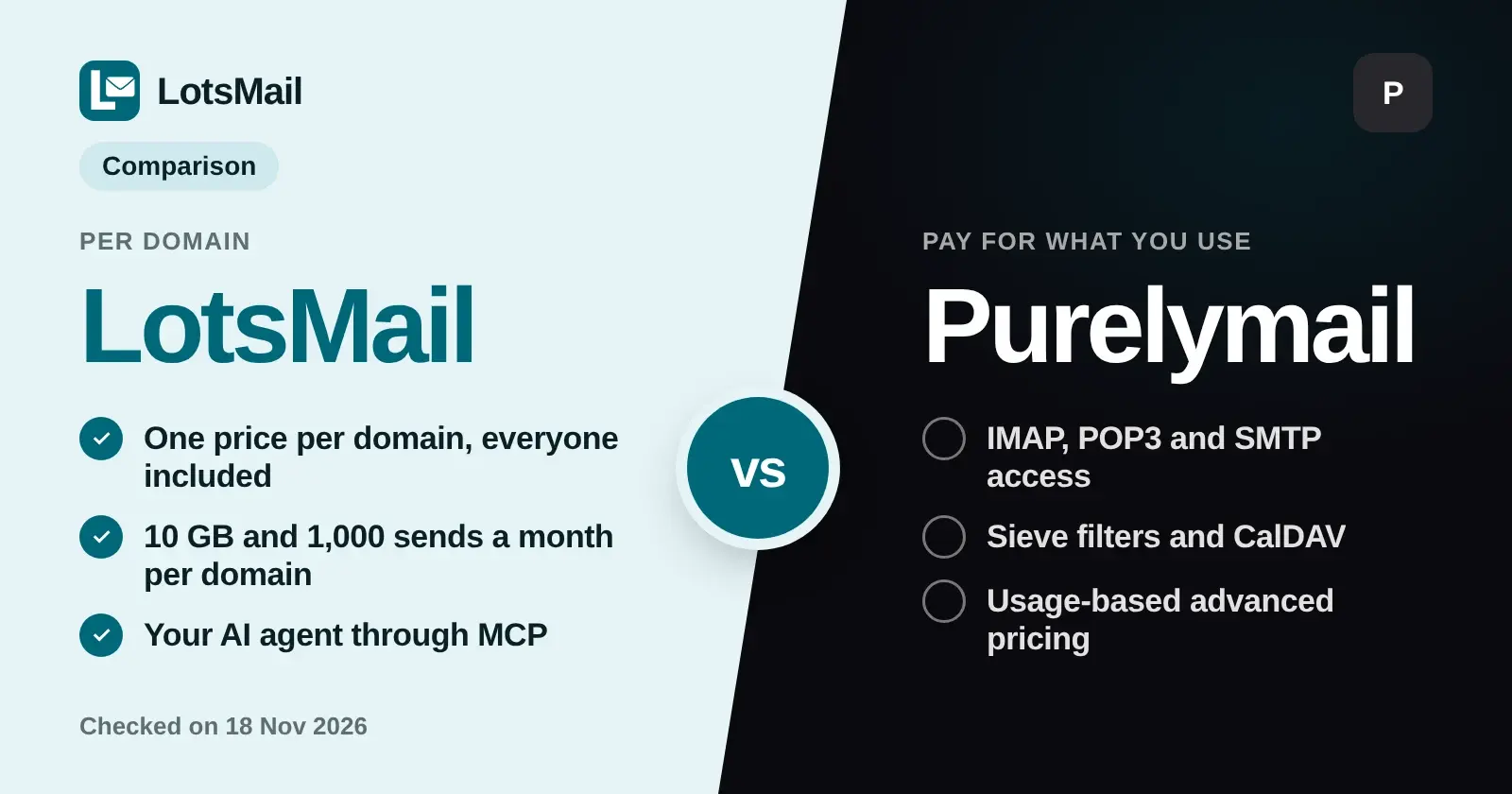
If you are searching for a Purelymail alternative, LotsMail is the fit when you want one price per domain with every mailbox and teammate included, and a mailbox you can open in the browser or hand to ChatGPT or Claude. Purelymail is the fit when you want IMAP, POP3 and SMTP in the mail app you already use and prefer to pay for what you use. Both are checked below against each company's own pages, Checked on 18 November 2026.
I built LotsMail, so I lead with what it does well, and I give Purelymail's real strengths in their own section.
The short comparison
| LotsMail | Purelymail | |
|---|---|---|
| How you pay | One price per domain, on a plan or pay as you go | A flat yearly price on its simple plan, or usage-based advanced pricing |
| Mailboxes and people | Unlimited mailboxes, aliases and teammates on every domain | No hard limits on users or custom domains |
| Storage and sending | 10 GB shared by a domain's mailboxes and 1,000 sent emails a month on every domain | Storage and sending are charged by use on advanced pricing |
| New domain sending | Up to 50 emails a day for the first 14 days, then up to 100 a day | Rate limits on external sending, adjustable through support |
| Where you read mail | Browser on phone, tablet and computer, plus your AI agent | IMAP, POP3, SMTP and Roundcube webmail |
| AI agent access | MCP server and REST API, with access set per mailbox | Not stated on the pricing, features or FAQ pages I read |
| Shared inboxes | Groups deliver one address to several people, each with their own copy | Routing rules and catch-alls |
| Contacts | Address book per mailbox, with CSV import and export | Roundcube contacts and CardDAV |
| Calendar | Not offered | CalDAV sync |
Sources: lotsmail.to/pricing and the LotsMail help page, Purelymail pricing, advanced pricing and features, all Checked on 18 November 2026.
How each one charges
LotsMail charges per domain. A domain is one unit. Starter is $5 a month for 1 domain, Pro is $20 a month for 5 domains, and Business is $60 a month for 20 domains with white-label on every domain. More domains cost your plan's rate. With no plan you pay $6 per domain a month. Yearly billing gives 2 months free. Every domain comes with the same 10 GB of storage and 1,000 sent emails a month, and unlimited mailboxes and people, so adding a teammate or an address never changes the bill. You can read your monthly cost from the number of domains you run. If a domain needs more storage or more sending, you add it to that domain.
Purelymail charges for use. Its simple plan is a single price of $10 a year with no hard limits on users, custom domains or storage, and it says that if you use significantly more than that in resources you may need advanced pricing. On advanced pricing you buy credits and pay for what you use: $4.00 a year as an account fee, $0.56 per compressed GB of storage a year, $0.03 per 1000 emails received plus $0.04 per GB, and $0.23 per 1000 emails sent externally plus $0.18 per GB. There is no extra charge for users on domains you own.
The difference that matters in practice is whether you want the bill to follow the number of domains, or to follow storage and mail volume. Per-domain pricing suits a founder or agency who thinks in domains and clients. Usage pricing suits someone who wants to pay for exactly what they consume and is happy to read a billing page.
Where LotsMail fits better
- Everyone on a domain is included. I built LotsMail around the idea that a team should not pay per seat. Unlimited mailboxes, aliases and teammates come with each domain.
- Your AI agent gets a real, scoped mailbox. Any agent that supports MCP, such as Claude or ChatGPT, or anything that can call the REST API, can search mail and prepare drafts. You choose per mailbox what an agent may do: read, draft or send. With read or draft access, drafts wait for you in the dashboard.
- Access is set per mailbox, for people and for agents. A shared mailbox can have its own list of people without opening the rest of the domain.
- One address to several people. Make a group like team@ or sales@ and each person gets their own copy in their own inbox. Outside mail waits in Unrouted until you deliver it, unless you let anyone email that group. For the full picture of shared inboxes, read Best Business Email With Shared Inboxes for Small Teams (2026).
- An address book that your agent can use too. Each mailbox has its own contacts, up to 10,000, with suggestions as you type in To, Cc and Bcc, and CSV import and export.
- Agencies. On Business, white-label is included on every domain, so a client's mailbox carries the client's brand. I wrote about the agency angle in Business Email for Agencies.
Where Purelymail is strong
Purelymail gives you standard access that works with most third-party apps: IMAP with IDLE, POP3 and SMTP, plus Roundcube webmail. It supports Sieve filters, SpamAssassin spam filtering, subaddressing, two-factor authentication, at-rest encryption, and WebDAV, CardDAV and CalDAV for files, contacts and calendar sync. Its simple plan is one flat yearly price, and it supports as many users on as many custom domains as you like. If you live in Outlook or Apple Mail, or you need calendar sync, those are real reasons to choose it.
LotsMail runs in the browser on phone, tablet and computer and through your AI agent. It doesn't connect to desktop or phone mail apps over IMAP and SMTP, and it doesn't offer a calendar.
Sending rules to know before you move
Both services keep sending in check, and neither is for marketing email. Purelymail's terms of service rule out junk mail, mailing list emails, advertising and domain reputation warming, and its FAQ says trial accounts have very low limits on sending to addresses outside the account. LotsMail does not allow bulk, marketing or cold email. On LotsMail every domain gets 1,000 sent emails a month, a new domain sends up to 50 emails a day for its first 14 days and then up to 100 a day, and each recipient counts once. The details, including delivery status, are in LotsMail Sending Limits.
How to move from Purelymail to LotsMail
Purelymail lists IMAP access, and LotsMail's Import mail copies from any host with IMAP using an app password.
- Create your LotsMail account and add your domain. You keep your DNS provider and your website; you add the records LotsMail shows you.
- Create every address you use, such as hello@, orders@ or your own name, so nothing bounces to an address that does not exist yet.
- Open Import mail and copy your old mail in. Drafts, Spam and Trash are not imported.
- When you are ready, point your domain's mail to LotsMail. Lower the DNS TTL beforehand if you can.
- Keep the old account open for a couple of days after you switch, because some senders take a while to catch up. Then close it.
My step-by-step walkthrough is in How to Move Your Email to LotsMail. If you are weighing other low-cost hosts, see LotsMail vs Migadu and Cheapest Email Hosting.
Which should you pick
- Pick LotsMail if you run one or more domains, want unlimited mailboxes and teammates for a fixed per-domain price, share inboxes between people, want access set per mailbox, or want Claude or ChatGPT to work in your mail.
- Pick Purelymail if you read mail in a desktop or phone mail app over IMAP, need calendar sync, or want your bill to follow what you store and send.
See the live prices on the LotsMail pricing page.
FAQ
Is LotsMail a good Purelymail alternative?
Yes, for people who want a fixed price per domain with unlimited mailboxes and teammates, access set per mailbox, shared inboxes and an AI agent that works in their mail. If you need IMAP and SMTP in a desktop mail app or calendar sync, Purelymail supports those and LotsMail does not.
How does LotsMail pricing compare in structure to Purelymail?
LotsMail charges per domain: Starter $5 a month for 1 domain, Pro $20 for 5, Business $60 for 20, or $6 per domain a month with no plan. Purelymail charges a flat yearly price on its simple plan or by resource use on advanced pricing. Checked on 18 November 2026.
Can I use Outlook or Apple Mail with LotsMail?
No. LotsMail works in the browser on phone, tablet and computer, and with ChatGPT or Claude. It doesn't connect to desktop or phone mail apps over IMAP and SMTP.
Can I move my mail from Purelymail to LotsMail?
Yes. Purelymail lists IMAP access, and LotsMail's Import mail copies from any host with IMAP using an app password. Drafts, Spam and Trash are not imported, and you should keep the old account open for a couple of days after you switch.
Can I send marketing email from either one?
No. Purelymail's terms rule out advertising, mailing lists and domain warming, and LotsMail does not allow bulk, marketing or cold email.