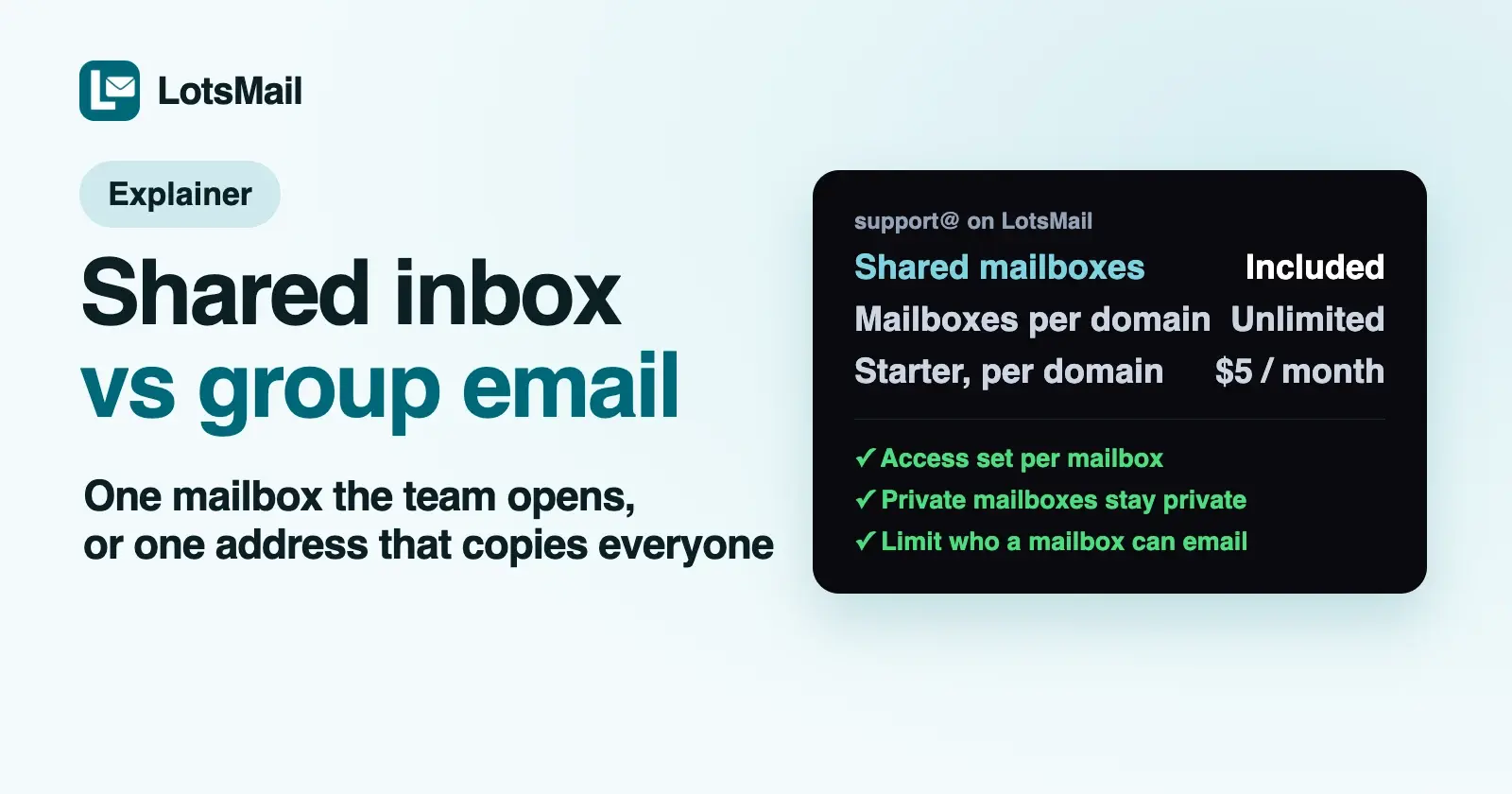
A shared inbox is one mailbox, like support@, that several people open: everyone sees the same messages and replies go out from support@. Group email is one address, like team@, that copies each message into every member's own inbox, and people usually reply from their own address. Use a shared inbox for addresses customers write to, and group email to reach a whole team at once.
Below: how the two differ, when to use each, how Google Workspace and Microsoft 365 handle them (checked on 21 October 2026 in their own help pages), and how LotsMail does it.
Shared inbox vs group email at a glance
| Shared inbox (shared mailbox) | Group email (distribution list, group) | |
|---|---|---|
| What it is | One mailbox several people open | One address that forwards a copy to each member |
| Where mail lands | In the shared mailbox, once | In every member's own inbox |
| Replies go out from | The shared address (support@) | Usually each person's own address; some providers let admins allow sending as the group |
| Who sees a reply | Everyone with access to the mailbox, in Sent | Only the people copied on it |
| Read, archived, handled | Shared by everyone using the mailbox | Each person tracks their own copy |
| Someone leaves | Remove their access; the mail stays in the mailbox | Remove them from the group; their copies go with their account |
| Best for | support@, orders@, billing@, a client's projects@ | team@, all@, internal announcements, alerts everyone needs |
What a shared inbox is
A shared inbox is a real mailbox with its own address that a team works from together. The customer writes to support@, the message sits in one place, and whoever picks it up replies as support@. Everyone with access sees the same thread, the same reply and the same state, so two people don't answer the same customer, and nobody needs the mailbox's password.
That's why it suits any address the outside world writes to: support, orders, billing, a sales enquiry address, or a projects@ address for each client an agency works with. When someone leaves, you remove their access and the history stays with the mailbox.
What group email is
Group email (a distribution list, or a group) is an address with no inbox of its own. Each message sent to team@ is copied into every member's personal inbox. Each person reads, files and deletes their own copy, and when someone replies, they usually reply from their own address, often to everyone.
That's right for broadcasting: team announcements, a list of people who all need a notification, or an address that should reach every partner at once. It's awkward for customer mail, because five people get the same question, nobody can see who already answered, and the customer gets replies from personal addresses.
When to use each
- Customers write to it: shared inbox. support@, hello@, orders@, billing@.
- Everyone needs a copy: group email. team@, all@, a group for alerts from a tool.
- An agency handling a client's projects: a shared inbox per client (projects@client-domain), with access for the people on that account.
- One person handles it, but the address should outlive them: a shared inbox, so the mail stays put when the person changes. An extra address on one person's mailbox (an alias) works too, until they leave.
- You want a person's replies to stay private: group email, or each person's own mailbox.
Many teams use both: shared inboxes for the addresses customers see, and one or two groups for internal mail.
How Google Workspace and Microsoft 365 do it
Google Workspace has both. A group gives a set of people one address, so users can "send email to all group members with a single address", in Google's words. With Groups for Business turned on, a group can also work as a Collaborative Inbox, where members assign conversations and mark them complete in Google Groups. Separately, Google's shared inbox is an admin feature on Business Starter, Standard and Plus, still being released in phases: delegates can read, send and delete the mailbox's messages. Google's help pages don't state a price for it; I went through what they do state in what a shared mailbox costs in Google Workspace.
Microsoft 365 names the difference directly. Distribution groups are "used for sending notifications to a group of people", and shared mailboxes are "used when multiple people need access to the same mailbox, such as a company information or support email address". A shared mailbox needs no licence up to 50 GB, but each person who opens it needs a licensed Exchange Online mailbox, it supports up to 25 users, and only people inside your organization can use it. Microsoft 365 Groups add a third option: a group address with a shared workspace for conversations, files and a calendar. I compared Microsoft's pricing and shared mailboxes with ours in LotsMail vs Microsoft 365.
Both suites price per person, so the people who open a shared mailbox each need their own paid licence.
How LotsMail does it
LotsMail is business email for your whole team on your own domain, at one price per domain. Shared inboxes are built in, and they don't change the bill.
- A shared mailbox is a mailbox type. When you create a mailbox, you choose Personal (one person's inbox) or Shared (a team inbox several people open, like info@ or sales@). It appears next to each person's own mailbox in their LotsMail inbox, on phone, tablet and desktop.
- Access per mailbox. For each person you choose Can read, Can read and send, or Full control. Private mailboxes stay private: the workspace owner doesn't get into them by default.
- Unlimited mailboxes, addresses and teammates. support@, sales@, billing@ and every person's own mailbox are covered by the same price: from $5 a month per domain on Starter, or $50 a year. Add extra addresses to a mailbox, so help@ can land in support@. See pricing.
- Limit who a mailbox can talk to. An owner or admin can restrict a mailbox to receive only from listed senders and send only to listed recipients, as exact addresses or a whole domain like
*@yourclient.com. Inbound mail must come from a domain that proves it's really the sender, and every To, Cc and Bcc on a send is checked. It applies to everyone using the mailbox, AI agents included. - Agencies. Give each client its own workspace and shared inboxes. Client staff sign in as mailbox users, free and unlimited, without a LotsTech account, and your agency manages the mailboxes without reading a client's mail unless it's given access.
What LotsMail doesn't have: distribution lists that copy one message into many inboxes. If you want team@ to reach everyone, make it a shared mailbox the whole team can open: every message is in one place and nobody gets duplicates.
Your assistant in the shared inbox
LotsMail works with the AI agent you already use. Connect ChatGPT or Claude and choose read, draft or send for each mailbox, so an assistant can draft replies in support@ while only reading your personal inbox. Sending by agents is off until you turn it on, and LotsMail's skill tells the assistant to work in one mailbox at a time, so a shared mailbox's mail isn't mixed with a personal one. Try:
In LotsMail, open the support@ mailbox. List the unread threads that need a reply today, who is waiting, and write a reply draft for each one. Don't send anything.
Setup steps are on the connect page, and the full guide is connect ChatGPT or Claude to your business email. I covered how other providers handle agent access in Business Email Providers With MCP Support.
FAQ
What is the difference between a shared inbox and group email?
A shared inbox is one mailbox several people open, so they see the same messages and reply from the shared address. Group email is an address that copies each message into every member's own inbox, and people usually reply from their own address. Shared inboxes suit customer-facing addresses; groups suit internal broadcasts.
Is a shared mailbox the same as a distribution list?
No. Microsoft describes distribution groups as a way to send notifications to a group of people, and shared mailboxes as one mailbox several people access, such as a support address. A distribution list has no inbox of its own; a shared mailbox does.
Should support@ be a shared inbox or a group?
A shared inbox. Everyone sees which messages are answered, replies go out from support@, and the history stays when someone leaves. With a group, every member gets a copy and can't see whether someone else already replied.
Do shared inboxes cost extra?
On LotsMail, no: mailboxes, addresses and teammates are unlimited, from $5 a month per domain. Microsoft 365 shared mailboxes need no licence up to 50 GB, but each person who opens one needs a licensed mailbox. Google's help pages don't state a price for its shared inbox feature (checked 21 October 2026).
Does LotsMail support group email or distribution lists?
No. LotsMail has shared mailboxes with access per mailbox and unlimited extra addresses, but no list that copies one message into many inboxes. A shared mailbox the whole team can open covers most team@ uses, without duplicate copies.
Sources (all opened 21 October 2026)
- LotsMail: pricing, connect page, skill, API docs (mailbox restrictions in
list_mailboxes,get_agent_accessandsend_email), tool list - Google: Create a group in your organization, Use a group as a Collaborative Inbox, Create a shared inbox
- Microsoft: Compare groups, About shared mailboxes